Wireless CCTV Camera India: From Installation to Monitoring, and Why It's Growing So Fast
Kushal Sanghvi
Updated●June 17, 2026
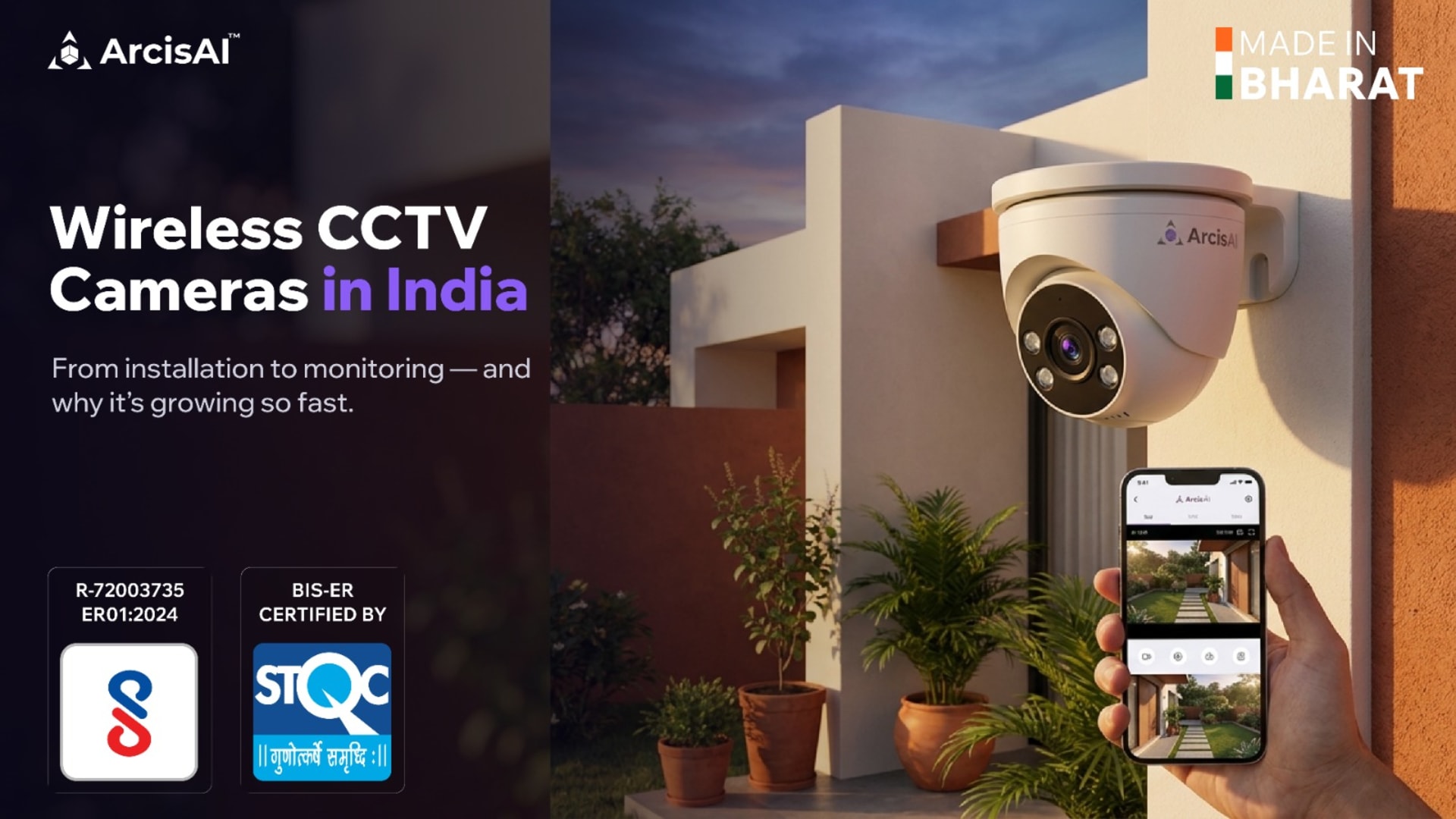
Drilling through walls. Running long cable from a camera to a recorder in another room. Calling an electrician for every new camera position. For years, that was the price of putting up CCTV, and it is exactly why a lot of homes, shops, and small offices in India kept putting it off.
That friction is disappearing. A wireless camera can go up in an afternoon, connect over your existing WiFi or a 4G SIM, and stream to your phone before the installer leaves. No trenching, no conduit, no rewiring.
This is the single biggest reason interest in a wireless CCTV camera India buyers can actually install themselves is climbing so fast. But "wireless" also gets misunderstood, and a bad choice leaves you with dropped footage and blind spots.
This guide walks through the full journey, from installation to daily monitoring, so you know what you are getting, what to check before you buy, and where wireless makes sense versus where it does not.
Table of Contents
Why Wireless CCTV Is Growing So Fast in India
A few things came together at once.
Home broadband and 4G coverage spread to smaller towns, so the network a camera needs is already in place. Smartphones became the default way people check on things, so live view on an app feels natural now. And camera hardware got cheaper and smarter, so a single device can record, detect motion, and send alerts on its own.
Put together, the result is simple: most people no longer want to schedule a wiring job just to see who is at their gate.
There is also a practical pull. Renters and small business owners move premises. A wireless setup comes off the wall and goes up at the new location, which a hard-wired system cannot do easily. For a growing shop or a rented office, that flexibility matters more than people expect.
"Wireless" Does Not Mean No Wires At All
This is the most common confusion, so it is worth clearing up early.
"Wireless" almost always refers to how the camera sends its video, over WiFi or a mobile SIM, not how it gets power. Most wireless cameras still need a power cable to a socket. Truly wire-free cameras run on rechargeable batteries or a small solar panel, and those you do recharge or top up over time.
So before buying, separate two questions. How does the video travel, and how does the camera get power? A WiFi camera plugged into a wall socket is the most common and most reliable home setup. A 4G battery or solar camera suits a farm, a construction site, or a remote location with no internet and no easy power.
Getting this distinction right at the start saves the most disappointment later.
The Three Wireless Connection Types, Compared
Not all wireless cameras connect the same way, and the right choice depends entirely on your site. WiFi cameras are the most popular option for homes, shops, and offices that already have broadband, offering easy installation and remote access through an app. For farms, construction sites, and remote locations where fixed internet is unavailable, 4G SIM cameras provide connectivity through the mobile network, though they require a data plan and adequate signal strength. For sites where reliability is critical, PoE (Power over Ethernet) cameras remain the gold standard, delivering both power and data through a single cable. While PoE is not truly wireless, it offers the most stable performance for permanent installations. In practice, many serious buyers combine all three approaches—using WiFi cameras indoors, 4G cameras at distant entry points, and PoE cameras in locations where uninterrupted surveillance is essential. A strong surveillance ecosystem gives you the flexibility to mix these options without being locked into a single connection method.
From Installation to Monitoring: How It Actually Works
Here is the real journey, step by step, so there are no surprises.
Mounting. Pick the spot, fix the bracket, and aim the camera. Cover entries, the cash counter, and approach paths first. Height of around 2.5 to 3 metres keeps the camera out of reach while still capturing faces.
Power. Plug into the nearest socket, or fit the battery or solar panel for wire-free models. This is the only "wire" most setups need.
Connecting. Open the app, scan the QR code on the camera, and join it to your WiFi or activate the SIM. This is usually a five-minute step.
Recording. Decide where footage is stored. A microSD card in the camera, a network video recorder (NVR) for multi-camera sites, or the cloud, which keeps a copy safe even if the camera is stolen or damaged. Many users combine local plus cloud.
Monitoring. This is where wireless earns its keep. Live view on your phone, motion and intrusion alerts pushed in real time, and the ability to scroll back through recordings from anywhere. You are not tied to a monitor in a back room.
The shift from old CCTV is exactly this last stage. Older systems recorded so you could review footage after something went wrong. Modern wireless systems are built to alert you while it is happening.
Where ArcisAI Fits In
If you want wireless without the usual trade-offs, this is where a brand like ArcisAI, the surveillance brand of Indian manufacturer Adiance Technologies, is worth a look.
Start with the cameras. The ECO-Series is built for value-focused buyers, with AI-enabled cameras starting around ₹2,800. That keeps the cost down when you need to cover several rooms or entry points without stretching the budget.
But the camera is only the start. What you do with the footage matters just as much.
One app for everything. Live view, motion alerts, and playback all sit in a single mobile app. You check any camera from your phone, wherever you are.
Cloud storage that survives theft. Footage is backed up to the cloud, so even if a camera is stolen or damaged, your recording is safe. You are not stuck hoping a memory card is still in the device.
Cloud VMS to tie it together. The STQC-certified Cloud VMS pulls footage from all your cameras and locations into one place. That helps the moment you have more than one site to watch, and the subscription includes updates and security patches.
AI add-ons when you want them. You can layer on smart features like number-plate reading (ANPR), face recognition, and intrusion and crowd alerts. Much of this runs on the camera itself, so detection is fast and keeps working even if your internet drops. There is also ArcisGPT, which lets you search recordings in plain language, like asking for the red car that entered at 3pm instead of scrubbing through hours of video.
On the trust side, ArcisAI is made in India, BIS-ER and STQC certified, and NDAA compliant, with no high-risk foreign components. For buyers who are increasingly wary of where their camera brand is built, that is a real factor.
What to Check Before You Buy a Wireless Camera
A quick checklist that separates a setup that works from one that frustrates:
Signal at the actual spot. Stand where the camera will go and check WiFi or mobile signal there, not at your desk.
Power plan. Socket nearby, or battery or solar? Decide per camera.
Storage that survives theft. Local recording is fine, but add cloud backup for anything that matters.
Night performance. Most incidents happen after dark. Check the night vision range, not just the daytime resolution.
Certification and origin. Look for genuinely certified, made-in-India options if data security and compliance matter to you.
Real alerts, not just recording. A camera that pings your phone on motion is worth far more than one you only check after the fact.
Where Wireless Is Not the Right Call
Wireless is excellent, but honesty helps. For very large sites with dozens of cameras, heavy obstruction, or zero tolerance for a dropped frame, PoE or hybrid wiring is still the more dependable backbone. The good news is you do not have to pick a side. A modern system mixes wireless where convenience wins and wired where reliability is critical, all managed from one app.
The takeaway is not "wireless beats wired". It is that wireless removed the biggest barrier to getting protected at all, and that is why so many more homes and businesses in India are finally putting cameras up.
Conclusion
Wireless CCTV has made security easier, faster, and more accessible for homes and businesses across India. With simple installation, remote monitoring, real-time alerts, and flexible deployment options, it removes many of the barriers that once made surveillance complicated. The key is choosing a solution that combines reliable connectivity, secure storage, and intelligent monitoring features to deliver protection when it matters most. Ready to see wireless surveillance in action? Book a free demo at arcisai.io.
Frequently Asked Questions
Table of Contents
Send Us a Message