PoE Camera Explained: How Power Over Ethernet Is Changing CCTV Installation
Kushal Sanghvi
Updated●July 8, 2026
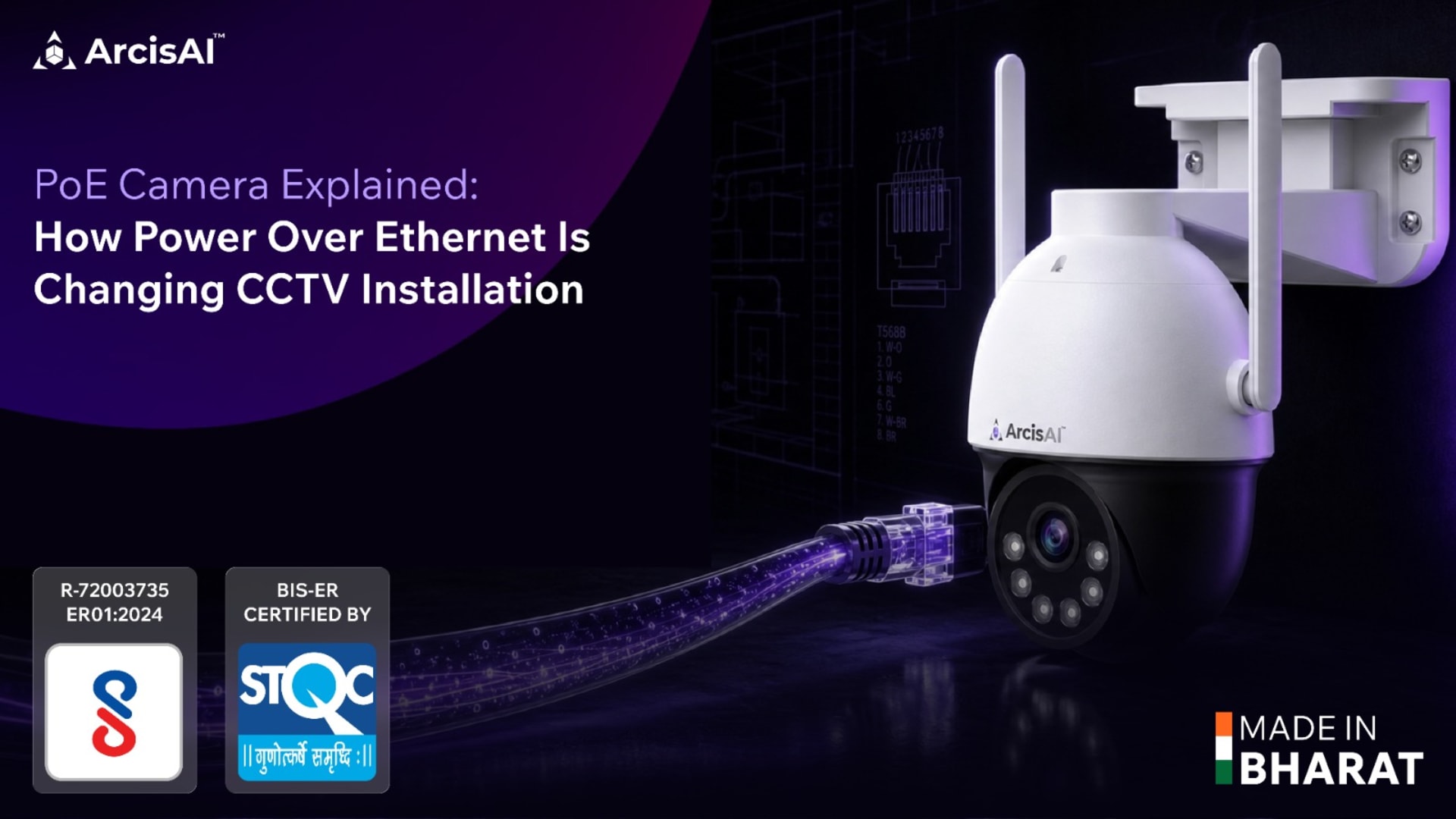
Every extra camera used to mean an extra problem: where is the nearest power socket, who is running the wiring, and what happens the day that adapter fails at 2 a.m. and nobody notices until the footage has a gap in it.
A PoE camera removes that problem at the source. One Ethernet cable carries both the data and the power the camera needs to run, so there is no separate power line to plan, no adapter dangling behind the mount, and no second point of failure to troubleshoot later.
This guide looks at PoE strictly at the camera level: what it is, how much power a camera actually draws, why it changes the economics and reliability of an installation, and where it makes the biggest difference in real deployments.
What Is a PoE Camera?
A PoE camera is an IP camera that receives its electrical power and its video data through the same Ethernet cable, instead of needing a separate power adapter plugged into a wall socket.
The camera has a single network port. That port both sends footage back to a recorder or the cloud and draws the low-voltage DC power it needs to operate, all over standard Cat5e or Cat6 cabling. Nothing else has to reach the camera.
This is governed by the IEEE 802.3 family of PoE standards, which define how much power a device can safely draw over the cable:
IEEE 802.3af (PoE): up to 15.4W delivered, enough for most fixed IP cameras with basic IR night vision.
IEEE 802.3at (PoE+): up to 30W, the class most PTZ cameras and cameras with heaters or higher-power IR arrays need.
IEEE 802.3bt (PoE++): up to 60W or 100W, reserved for high-draw devices like advanced PTZ units with multiple functions running at once.
The camera itself is built to one of these classes, and as long as it is on a cable run that can supply that class of power, it draws exactly what it needs and no more.
How Much Power Does a PoE Camera Actually Need?
In practice, most fixed AI cameras sit comfortably in the 802.3af range. A dome or bullet camera doing edge analytics, night vision, and streaming typically draws well under 15W. It is only when a camera adds moving parts, a heater for cold climates, or a very high-power IR illuminator that it climbs into 802.3at territory.
This matters for planning because it tells you what the camera itself demands, independent of whatever supplies that power at the other end of the cable. A camera rated for 802.3af will run fine on any source that meets that class; it does not need more than the standard it was built for.
Why PoE Changes CCTV Installation
The shift PoE brings is not a minor convenience. It changes several things about how a system gets installed and how it behaves afterward.
One cable, one job. A single Ethernet run handles everything. There is no separate electrician's job to bring a power point to a ceiling corner, a boundary wall, or a pole thirty metres from the nearest socket. The network installer's cable run is the entire job.
Reach where power was never available. PoE can carry power up to roughly 100 metres over standard cabling. That opens up mounting positions, high ceilings, outdoor poles, gates, and remote corners of a compound, that would otherwise need a dedicated power line run just for the camera.
Fewer points of failure. A camera on a wall adapter depends on that adapter, the socket, and the building's power circuit behaving correctly. A PoE camera depends on one cable and one upstream power source. Loose adapters, damaged plug pins, and voltage fluctuation at individual sockets, common causes of a camera quietly dropping offline, simply are not part of the picture.
Lower installation cost. Removing a parallel electrical wiring job removes its labour, conduit, and materials cost. For a site being wired for CCTV from scratch, this is often the single biggest saving in the installation budget.
A cleaner, safer footprint. One cable per camera means less clutter at the mounting point and no mains-voltage wiring running near an outdoor or damp-prone camera location. The camera runs on safe, low-voltage DC delivered over the network cable instead.
Where PoE Cameras Make the Biggest Difference
The advantages above matter most in specific situations, and this is where PoE tends to get chosen over other options.
Outdoor and perimeter cameras. Gates, boundary walls, and parking areas rarely have a power socket nearby. PoE lets the camera go exactly where visibility is best, not where the nearest plug happens to be.
High ceilings and poles. Warehouses, factory floors, and street poles put cameras well out of reach of a socket, but well within reach of a structured cable run planned alongside the network.
Large or multi-building sites. Corporate campuses, warehouses, and industrial sites often have far more Ethernet infrastructure planned than electrical points at every camera position. Riding on that existing network plan is simpler than adding a parallel electrical one.
Retrofits where looks matter. Retail stores, offices, and hospitality spaces that care about a clean finish benefit from a single cable run instead of a visible adapter and cord at every camera.
Growing systems. Adding a camera later means running one more cable to one more location. It does not mean opening up a new electrical point, which keeps a system genuinely easy to scale over time.
PoE and ArcisAI
This is exactly the problem ArcisAI's PoE camera range is built around. The ECO-Series includes PoE variants with practical on-camera features like human detection and tamper detection, alongside its WiFi options, so an installer gets a reliable, single-cable install without stretching the budget on a site with many camera points.
On compliance, ArcisAI is BIS-ER and STQC certified, NDAA compliant, and made in India with no high-risk foreign components, in-house manufacturing throughout. For buyers moving away from Chinese-made cameras or looking for a lower-cost alternative to premium Western brands, that combination of certification and a proper PoE camera lineup matters as much as the wiring itself.
PoE vs Wireless: When to Choose Which
Neither is universally better; the right choice depends on the site.
PoE is the stronger choice for permanent installations where reliability cannot be compromised: perimeters, warehouses, large campuses, and any spot where a dropped WiFi signal would leave a gap in coverage that matters. It costs a cable run to install, but that run, once in place, is close to maintenance-free.
Wireless, WiFi or 4G, suits sites where running a cable is impractical or where the installation needs to be temporary or easily relocated, such as a rented space or a short-term monitoring need. The trade-off is dependence on signal strength at that exact spot, which a PoE cable run does not have to worry about.
Many real deployments mix both: PoE on the fixed, high-value points that must never drop, and wireless filling in spots where a cable run genuinely is not worth the cost.
Getting the Most from a PoE Camera Installation
A few practical points keep a PoE installation trouble-free.
Use Cat5e or Cat6 cable rated for the run length and the camera's power class, and keep individual cable runs within the roughly 100-metre limit for reliable power delivery. Avoid routing cable alongside high-voltage electrical lines, which can introduce interference over long parallel runs. And confirm the camera's PoE class against whatever supplies power at the other end of the cable, so a PoE+ camera is not left underpowered on a lower-class source.
Get these basics right and a PoE camera installation is close to a "run the cable once, forget about it" job, which is the entire point of choosing PoE in the first place.
To see ArcisAI's PoE camera range and how edge AI analytics hold up on a single-cable install.
Book a free demo.