ONVIF Compatible Camera: How to Upgrade Your Security Without a Rip-and-Replace
Kushal Sanghvi
Published●June 19, 2026
You already have CCTV. There is an NVR in a cabinet somewhere, cabling run through the walls, and a set of cameras that have been working for years. Now a few of them are failing, the image quality looks dated, or you simply need to cover a new entrance. So you call for quotes, and the answer comes back: replace everything.
That is the moment most upgrades stall. Ripping out a working system, re-cabling the site, and buying a fresh recorder is expensive, disruptive, and rarely necessary. The fear of that bill is exactly why a lot of sites limp along with half-broken cameras far longer than they should.
Here is the part nobody tells you up front. If your equipment speaks a shared standard called ONVIF, you can usually add new cameras to the system you already own. No new recorder. No fresh cabling run end to end. Just better cameras feeding the same setup.
This guide explains what an ONVIF compatible camera actually is, why it saves you from a full replacement, and what to check before you buy so the upgrade goes smoothly.
What ONVIF Actually Means
ONVIF stands for the Open Network Video Interface Forum. Strip away the formal name and it is simply a common language for IP security devices.
Before ONVIF, a camera from one brand often refused to talk to a recorder from another. Each manufacturer used its own private way of sending video and commands, so you were locked into a single vendor for life. If that brand discontinued a model or raised its prices, you were stuck.
ONVIF fixed that. It is an open standard that defines how cameras, recorders, and video management software exchange video streams and basic controls. When a camera and an NVR both support ONVIF, they can connect and work together even if they carry different logos on the front.
Think of it like a standard plug socket. You do not buy new house wiring every time you change a lamp. You buy a lamp with the right plug, and it fits. ONVIF is that plug for surveillance gear.
The Rip-and-Replace Trap
Most CCTV quotes default to replacing the whole system for one simple reason: it is easier to sell and simpler to install when everything is one brand. It is not always what your site needs.
A full replacement means new cameras, a new recorder, often new cabling, and the labour to fit it all. It also means downtime while the old system comes down and the new one goes up, which on a live site like a warehouse or a shop is its own hidden cost.
Compare that to adding ONVIF compatible cameras to your existing recorder. The recorder stays. The cabling stays. You swap or add only the cameras that actually need attention. The bill shrinks to the hardware that earns its place, and the site keeps running while you do it.
The catch is that this only works if your new cameras and your current recorder genuinely speak ONVIF. That is where the buying decision matters, and where a lot of cheap cameras quietly fall short.
What to Check Before You Buy
Not every camera labelled "ONVIF" behaves identically once it is on your network. A few checks before purchase save most of the headaches.
The first and most important is whether your existing NVR supports ONVIF at all. This is the deciding factor, so find the model's spec sheet or open its settings menu and confirm ONVIF is listed before you buy anything else.
Next, look at the resolution your recorder can actually handle. An older NVR may cap recording resolution, and an 8MP camera is wasted if the recorder only writes 1080p, so match the camera to what the system can store. Related to that is the compression format. Newer cameras use H.265 to save storage and bandwidth, so confirm your recorder reads it, or set the camera to H.264 as a fallback.
Then think about connectivity that matches your existing wiring. If your old cameras ran on PoE cable, a PoE camera slots in cleanly, whereas switching to WiFi or 4G may need a different plan. Finally, check your storage headroom. Higher-resolution cameras fill drives faster, so make sure the recorder has space, or add a drive, before you scale up.
Run through those points and you will know whether a simple camera swap is realistic or whether parts of the system genuinely need upgrading too. Most of the time, the recorder is fine and only the cameras need to move forward.
When the Old System Really Is Too Old
ONVIF compatibility solves the common case. There is one situation it does not: a very old analogue system with no IP recorder at all. Those setups predate the standard, so a modern IP camera has nothing to talk to.
Even then, a full rip-and-replace is not the only path. A bridge device can add network and cloud capability to legacy cameras, and a cloud-based video management system can remove the dependence on an on-site recorder altogether. The point holds either way. Whether your system is modern IP, mixed, or genuinely legacy, there is almost always a route that costs less and disrupts less than tearing everything out.
The Real Cost Saving
Step back and the maths is simple. A full replacement charges you for cameras you did not need to touch, a recorder that was working fine, and labour to redo cabling that was already in place.
An ONVIF-based upgrade charges you only for the cameras that needed replacing or adding. The recorder, the wiring, and the working cameras stay. On a multi-camera site, that difference is the gap between a quick targeted upgrade and a capital project.
ONVIF compatibility is not a flashy feature. It rarely makes the headline of a spec sheet. But it is the single thing that decides whether your next security upgrade is a small, sensible job or an expensive one you keep postponing.
Choosing a Camera That Actually Fits
So the question narrows to this: which camera ticks every box above without forcing a compromise somewhere else?
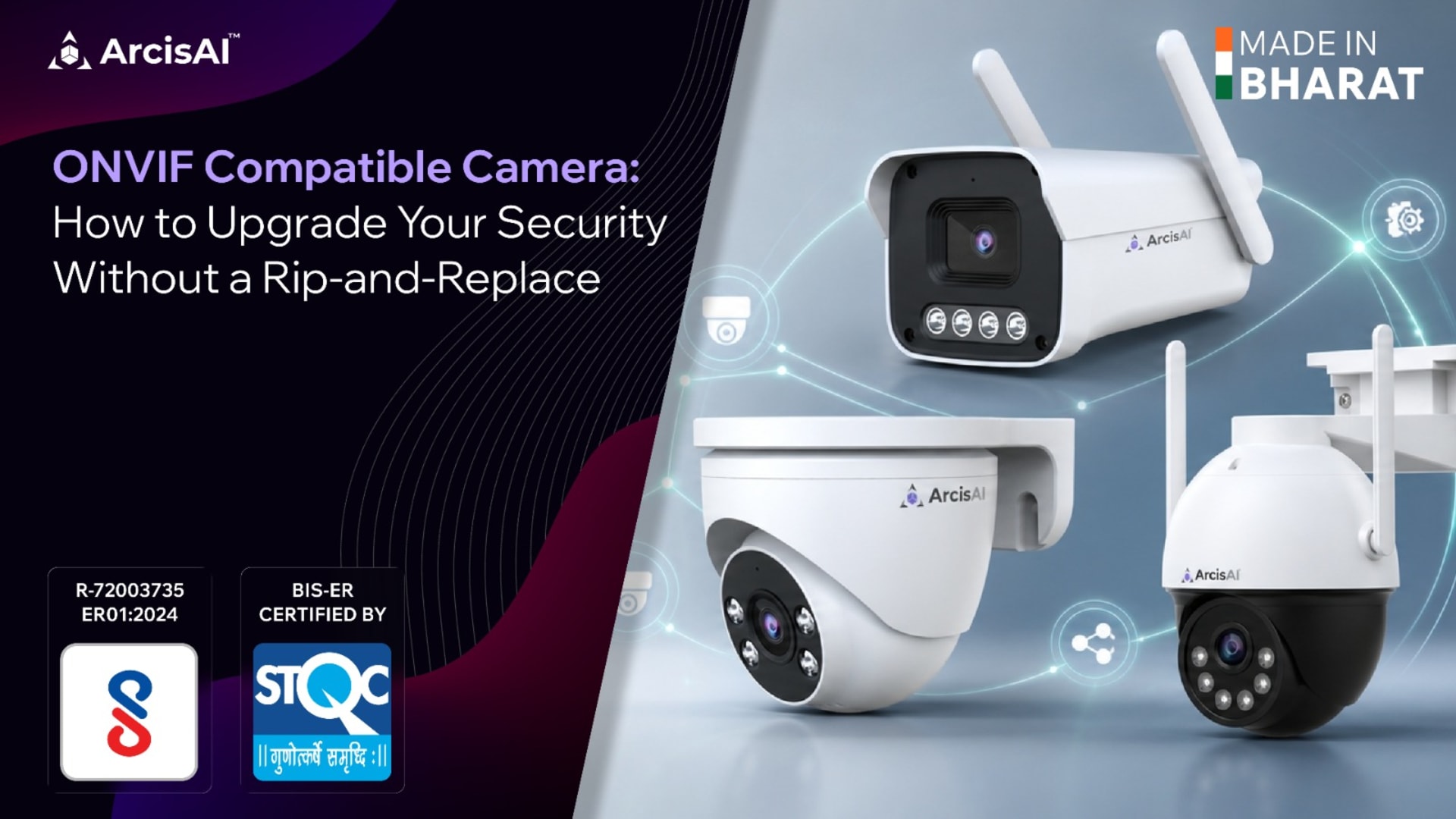
That is the gap the ArcisAI Eco-Series, the value range from Indian manufacturer Adiance Technologies, was built to fill. The cameras are ONVIF compatible, so they drop into an existing ONVIF-based system rather than asking you to start over. Point your current NVR at the camera, pull the stream, and record as usual.
They also flex to whatever your site already runs. The range comes in 3MP, 5MP, and 8MP, so you can step up from dated standard-definition footage to 2K or 4K clarity on the same recorder. WiFi, PoE, and 4G SIM options mean you match the new camera to how the old ones were wired, which keeps the install quick.
And the boxes a serious buyer cares about beyond compatibility are ticked too. The Eco-Series is made in India and BIS-ER certified, which matters for government tenders and GeM procurement where origin and certification are not optional. For anyone moving away from high-risk foreign components, ArcisAI cameras carry no Chinese parts, are STQC certified, and are NDAA compliant. For older analogue sites, the same maker offers a bridge device and a cloud VMS, so there is a route forward even when a straight camera swap will not work.
A quick honesty note: ONVIF compatibility is broad, and exact behaviour can depend on the profile your recorder uses. [VERIFY: confirm which ONVIF profiles the Eco-Series conforms to, e.g. Profile S for streaming and Profile T for H.265, so buyers can match it to their NVR.]
When you choose your next camera, check that one box first. It changes everything that follows, and it is the difference between upgrading your security and replacing it.
Ready to upgrade without starting over? Book a free demo at arcisai.io and see how the Eco-Series fits into the system you already have.
Book a free demo